Stage Display
The stage display shows the current performance and provides controls for managing the stage.
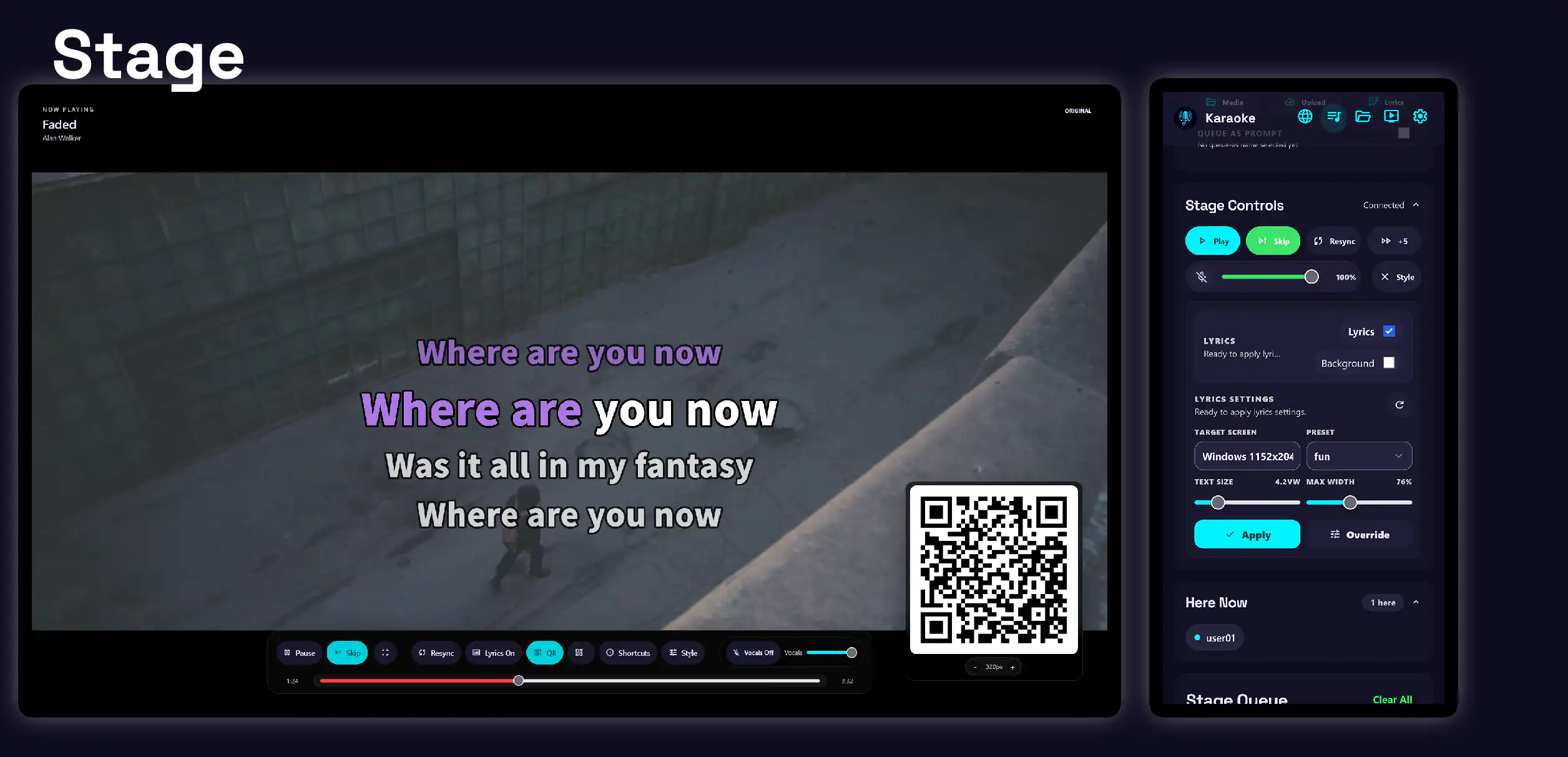
Highlights
-
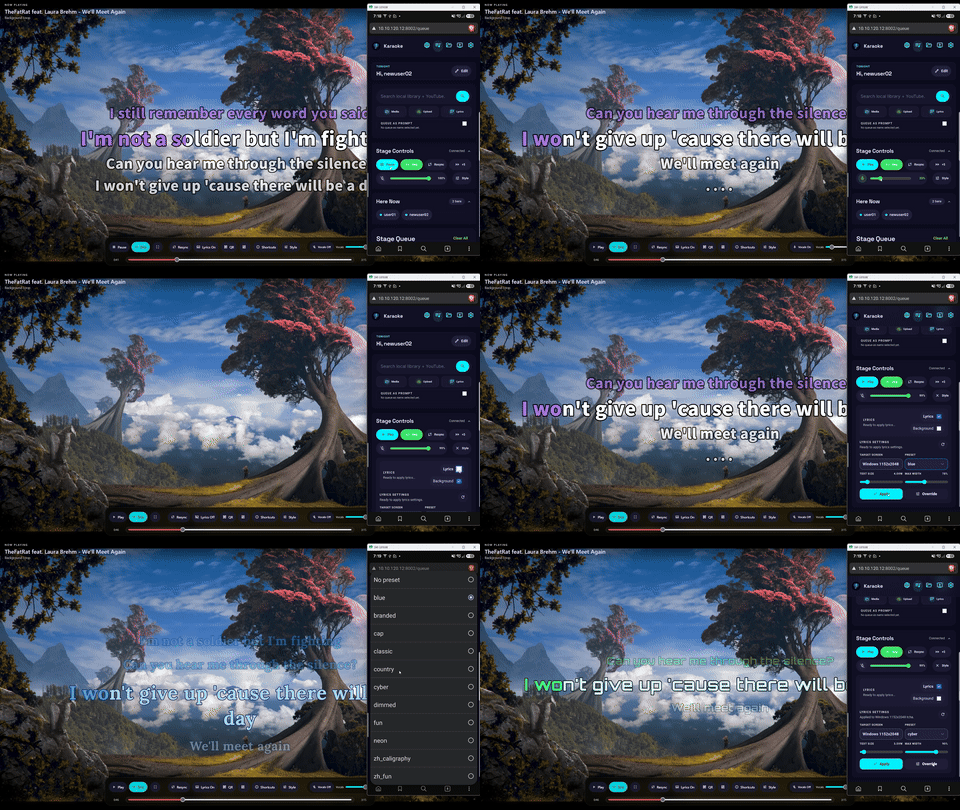
Real-time control
Control the current performance from the stage display or queue page.
- Play, pause, skip, or seek the current media.
- Apply shared lyric presets.
- Change lyric text size, width, and background.
- Enable or disable vocal backing tracks and adjust their volume.
-
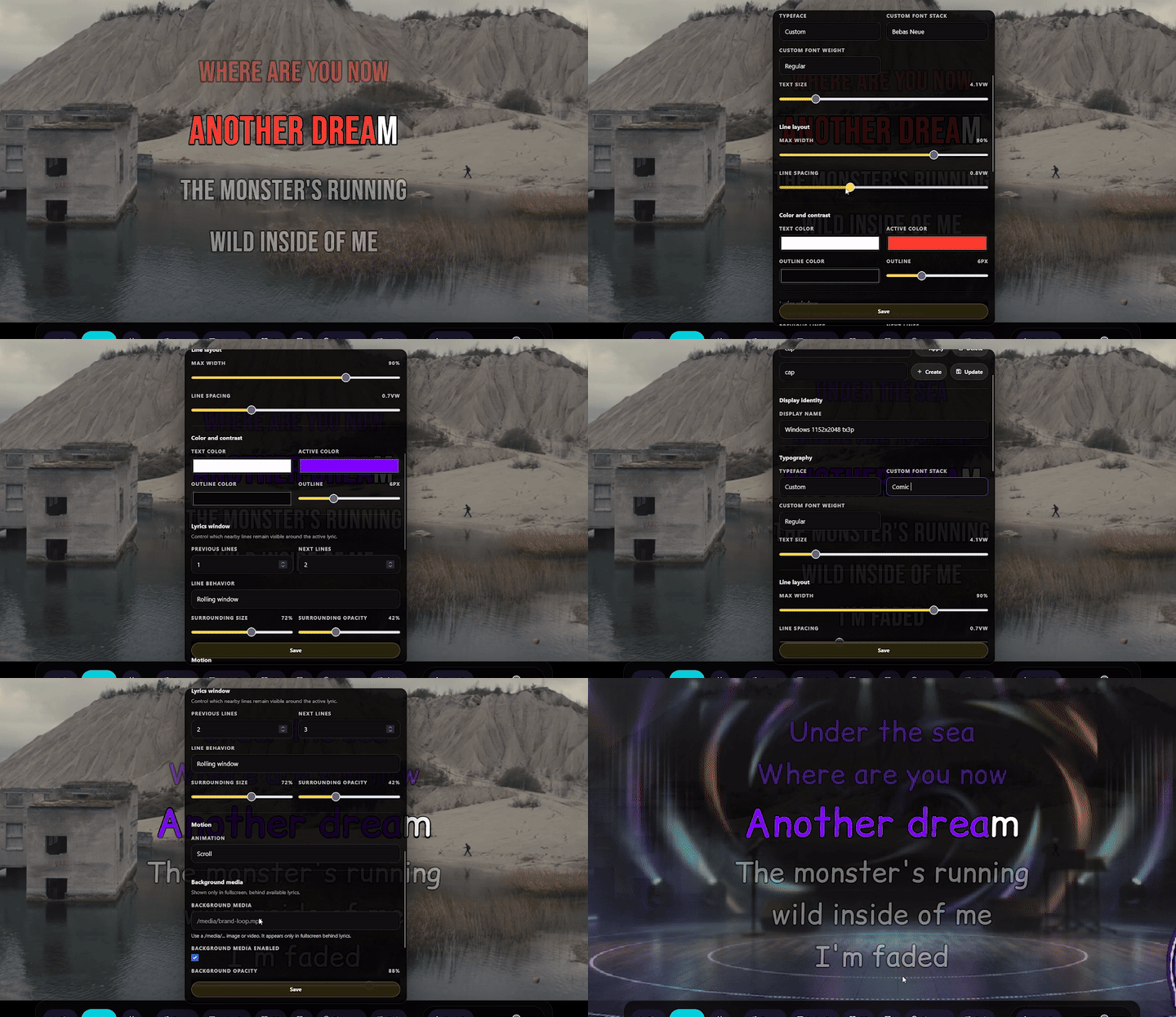
Advanced lyrics style customization
Customize the appearance and animation of lyrics for a polished stage experience.
- Change the text size, width, color, and background of the lyrics.
- Choose from hundreds of fonts through Google Fonts.
- Customize scroll animations for word-by-word lyrics.
- Easily share and recreate lyric presets via JSON.
-
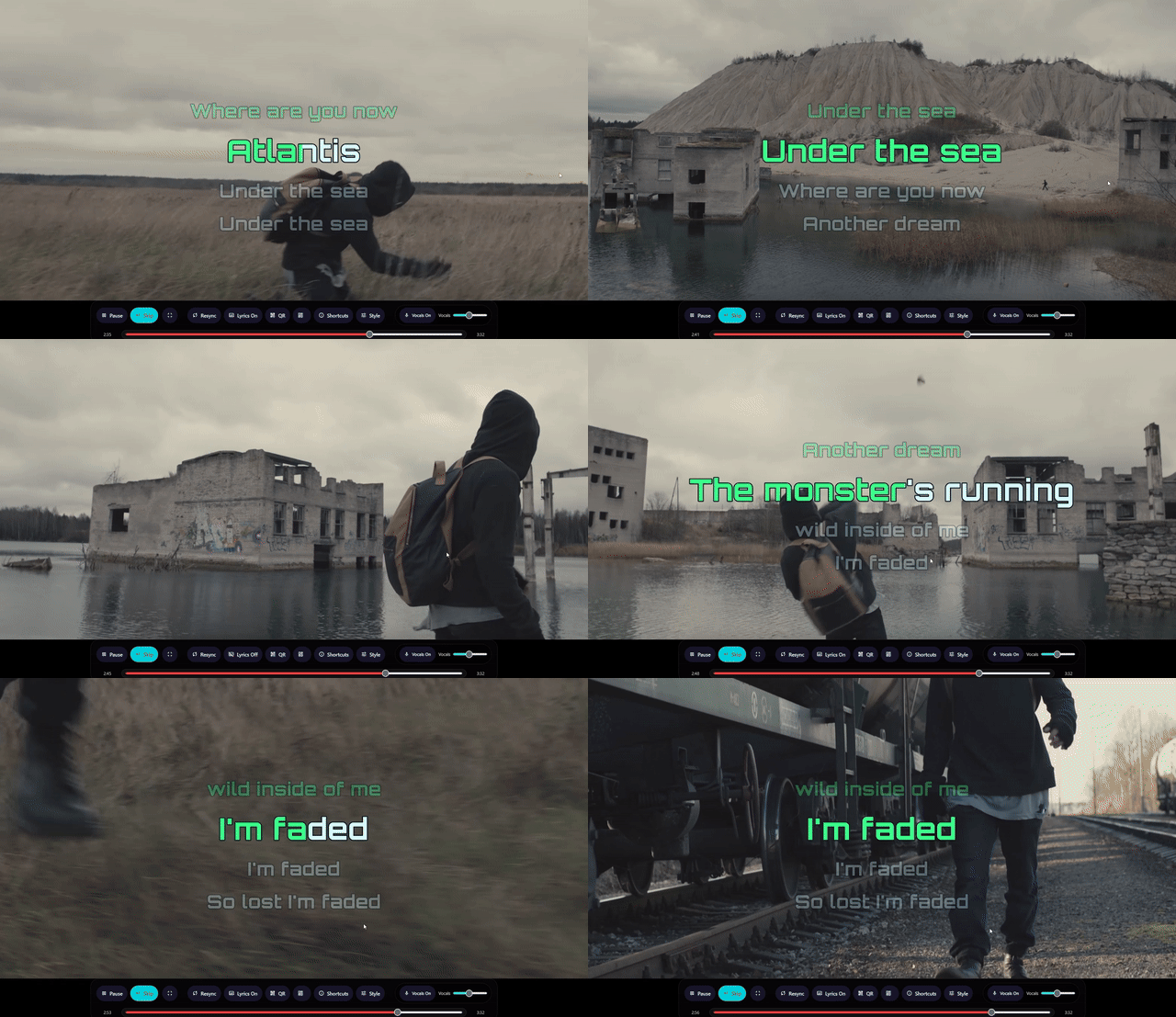
Keyboard shortcut navigation
Quickly control the stage display with a keyboard, including while using Zen mode.
- Change vocals, lyrics, and playback.
- Display and adjust the QR code.
- Use the shortcuts without on-screen controls in Zen mode.
What you can do
-
Control playback
Play, pause, seek, or skip the current media from the stage display or queue page.
-
Use Zen mode
Hide all controls for a true fullscreen experience.
-
Display a QR code
Allow guests to join the queue by scanning a QR code from the stage display.
-
Resync playback
Recover from vocal and instrumental desynchronization.
-
Adjust vocal backing tracks
Enable or disable vocal backing tracks and adjust their volume.
-
Create and share lyric presets
Create, import, and export lyric presets for different songs and stage displays.
-
CDG support
Play CDG files with their audio and CD graphics.