Settings Page
Settings page is for administrators only
The Settings page is available only after you log in as an administrator. Create an administrator account during the initial setup.
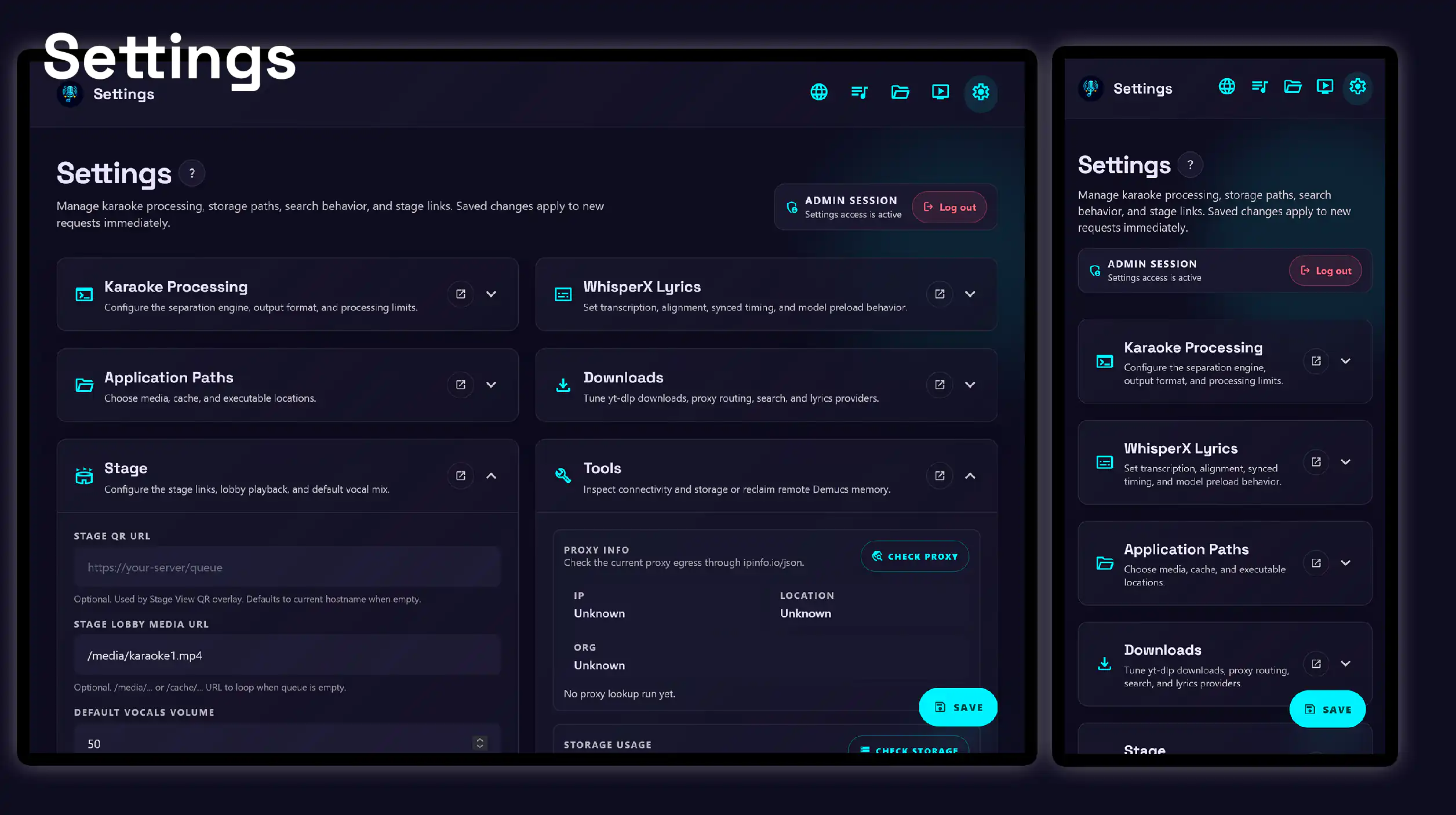
Use the recommended settings as a starting point, then read the section guides for more detail.
-
Configure the separation engine, output format, and processing limits.
-
Configure transcription, alignment, synced timing, and model preloading.
-
Choose media, cache, and executable locations.
-
Tune yt-dlp downloads, proxy routing, concurrent search, and lyrics providers.
-
Configure stage links, lobby playback, and the default vocal mix.
-
Inspect connectivity and storage, update yt-dlp, or reclaim remote Demucs memory.
Recommended settings
The following values are a good starting point for a smooth karaoke experience. Adjust them for your hardware, network, and preferred workflow.
Karaoke Processing
- Separation engine:
demucs. If the Demucs backend does not have access to a GPU, useSherpa+Spleeterinstead. - Direct media cutoff (MB):
500. Set this lower, such as20–50, if the network connection to Demucs is slow. - MP3 stem bitrate:
320. Set this lower, such as128-160, if the network connection to Demucs is slow.
WhisperX Lyrics
- Detect language before alignment: enabled.
- Use synced lyrics timing: disabled.
Downloads
- Parallel YouTube search: enabled.
Stage
- Stage QR URL: configure a URL for your own queue page.
- Stage lobby media URL: configure your own media or cache path for the empty-queue lobby.
These recommendations work well across a wide range of setups, but you can adjust them at any time from the Settings page.