Queue Page
The queue page is the main mobile/tablet control surface for the app.
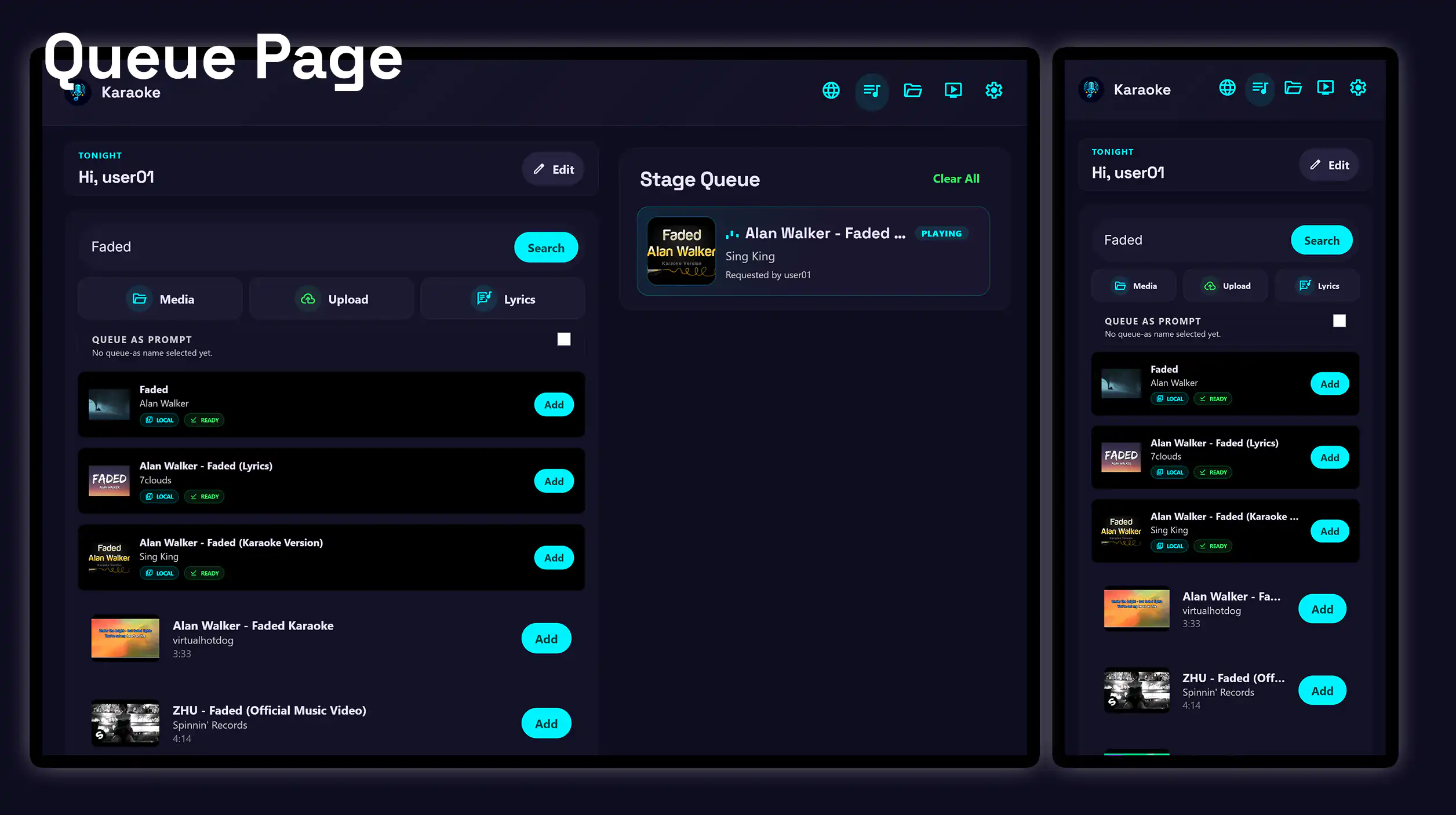
Highlights
-
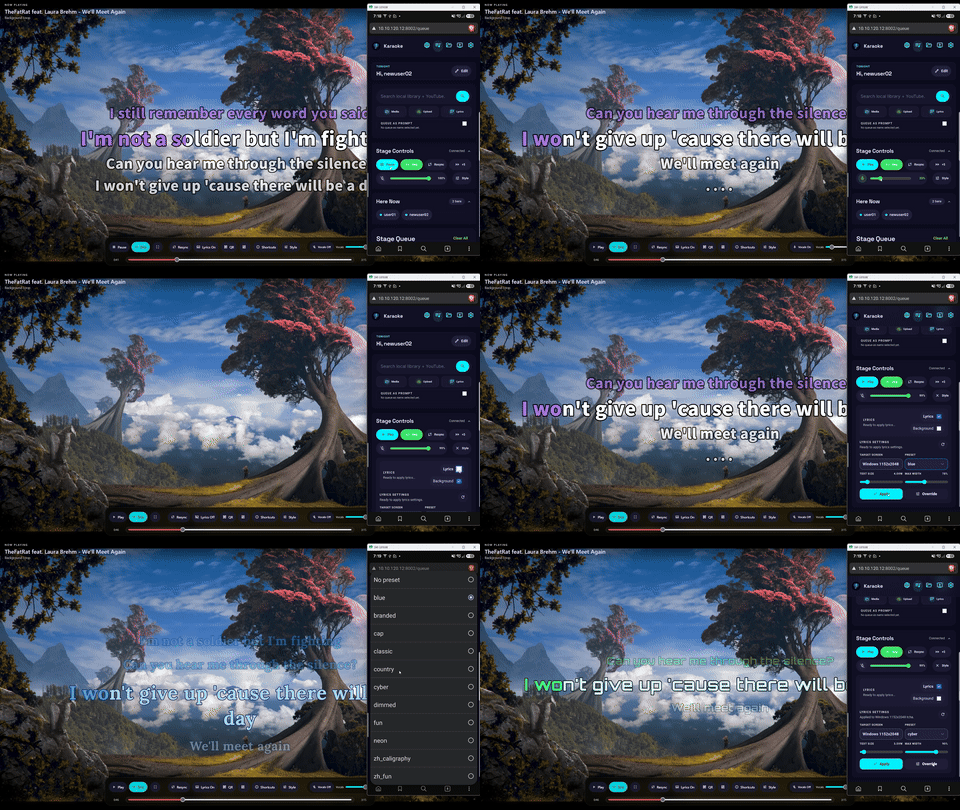
Control the stage
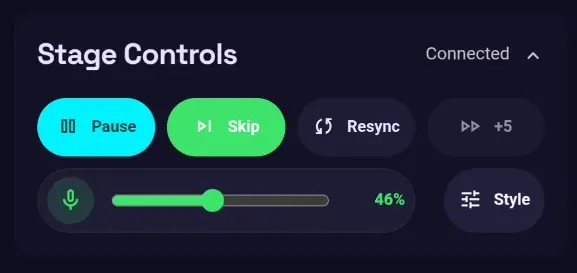
Play, pause, or seek the current media, and manage vocal backing tracks from the queue page.
- Play, pause, skip, or seek the current media.
- Apply shared lyric presets.
- Change lyric text size, width, and background.
- Enable or disable vocal backing tracks and adjust their volume.
-
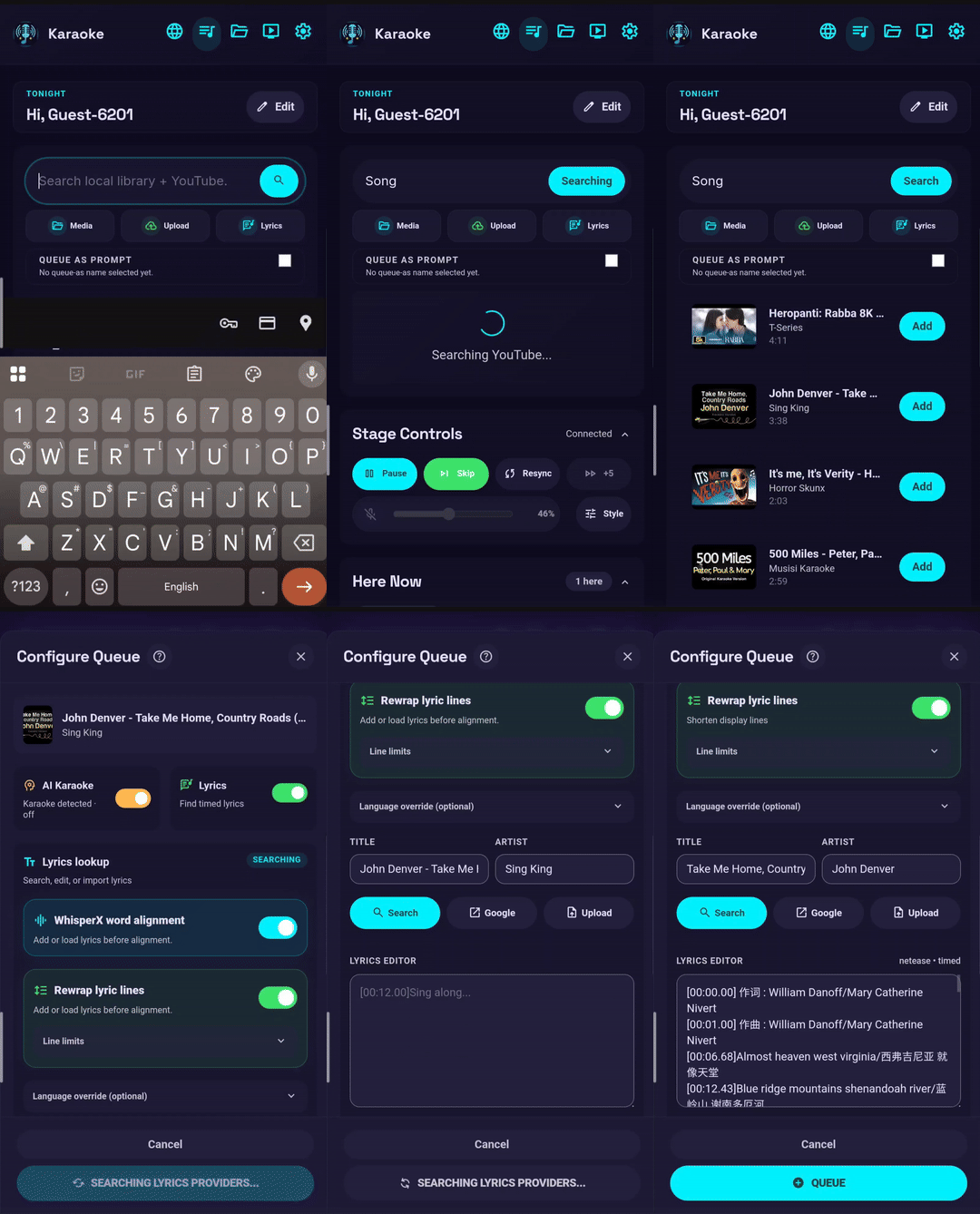
Queue controls
Search, add songs, and manage the active queue from a phone or tablet.
What you can do
-
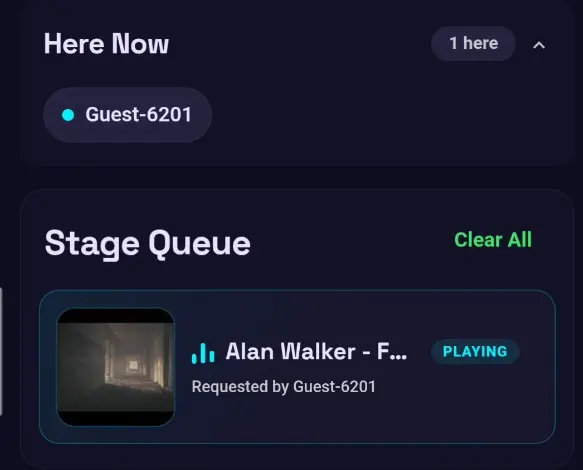
Join and queue as a guest
Choose a display name or use a generated name, see who is present, and add songs to the shared queue.
-
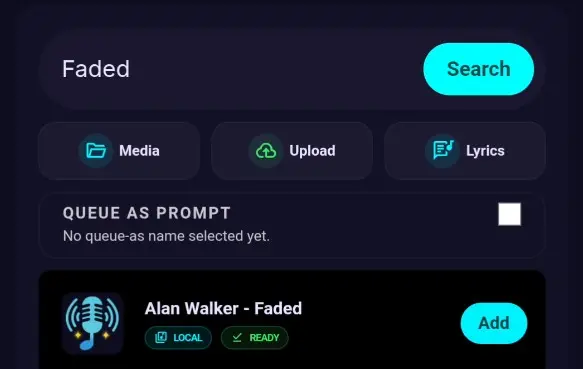
Search local media and YouTube
Search the local library and YouTube in parallel. When enabled, the app also searches for both a song title and a karaoke version.
-
Control the stage
Play, pause, or seek the current media, and manage vocal backing tracks from the queue page.
-
Use the lyrics viewer
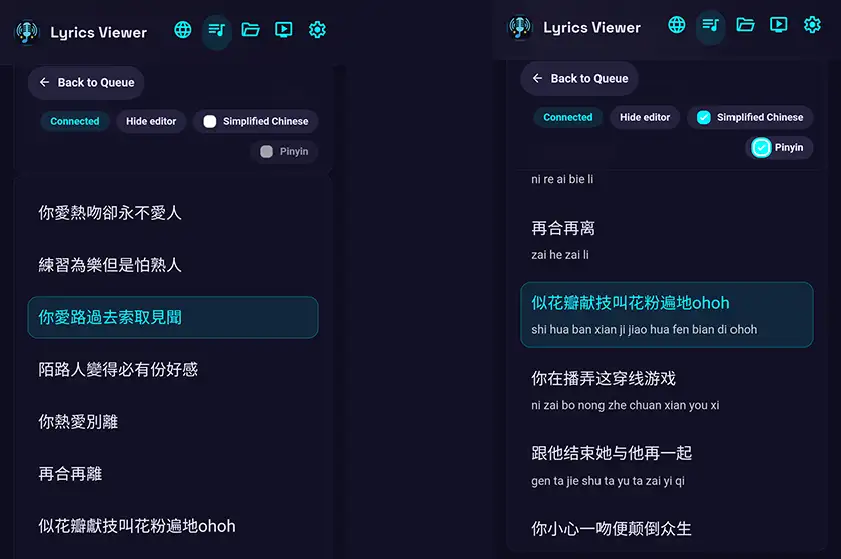
Read the current lyrics directly on the device, with an optional Pinyin view for Chinese lyrics.
-
Use the right level of access
Guests can manage their own queued songs, while administrators can queue on behalf of another user and manage the full queue.