Docker Apps Rating
| U/GID | TZ | SSO/Users | Existing FS | Portable | Subfolder | Mobile |
|---|---|---|---|---|---|---|
| ❎ | ✅ | ✅👨👩👧👦 | ✅ | ✅ | ❌* | ✅ |
Vikunja
Install
Docker compose
services:
  vikunja:
    user: ${PUID}:${PGID}
    container_name: vikunja
    image: vikunja/vikunja
    ports:

      - 3456:3456
    environment:
      TZ: America/Vancouver
    volumes:
      - ./db:/db
      - ./files:/app/vikunja/files
      - ./config.yml:/etc/vikunja/config.yml
    restart: unless-stopped
Config
The ./config.yml:/etc/vikunja/config.yml is used for app configuration, this file may contain secrets
service:
  publicurl: https://

auth:
  local:
    enabled: false
  openid:
    enabled: true
    providers:
      authelia:
        name: 'Authelia'
        authurl: ''
        clientid: 'vikunja'
        clientsecret: ''
        scope: 'openid profile email'
        usernamefallback: true
        emailfallback: true
- this configuration uses Authelia for single sign-on
For app configuration, it’s stored in a database ./db/vikunja.db, and the frontend setting is accessed under Profile > General Settings.
Usage
The usage is self-explanatory
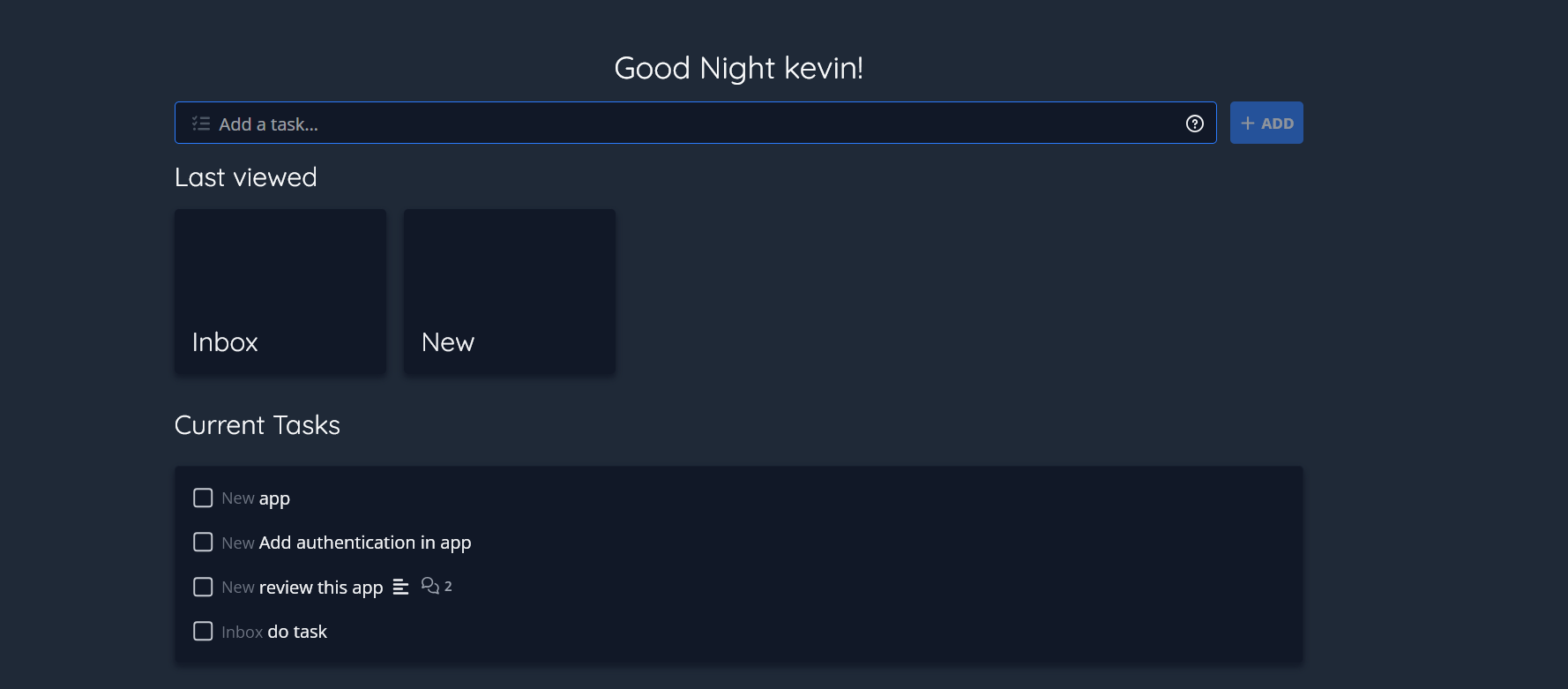
Overview: show all the tasks
Projects: organize task(s) and show only project related tasks
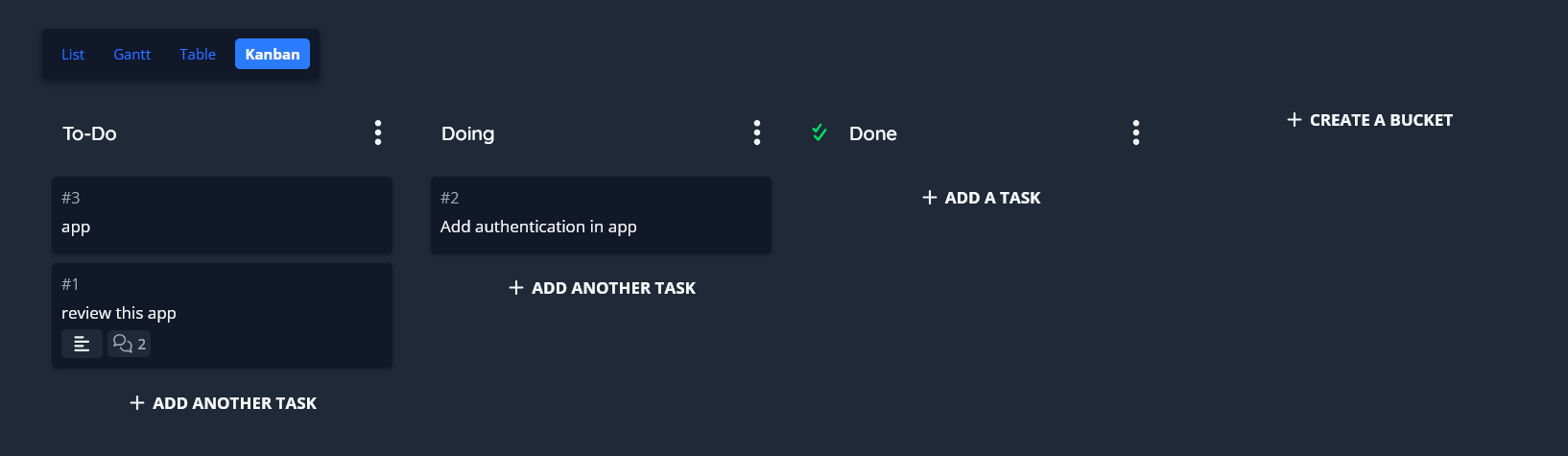
The application can display in list, table and kanban view.
Sharing
When configured with multiple users, users can create groups, add members or share publicly.
Under Teams, create or view teams, where user can share projects.
Projects can be shares with user, team or publicly.
- support password protected sharing
- read-only, read/write or admin
Deploy
Deployment via reverse proxy is straight-forward, no additional setup is required. Although the app support subfolder, but it requires building the frontend from scratch, not explored yet.
SSO
The configuration above provide the SSO setup in Vikunja side. For Authelia, use this:
https://www.authelia.com/integration/openid-connect/clients/vikunja/#authelia
The configuration disables local sign-in and registration.
| In App | Not in App | |
|---|---|---|
| In Authelia | Vikunja create new user (random username) | Vikunja create new user |
| Not in Authelia | Only local sign-in | Forbidden |
| To link an existing user to SSO user, database operation is required. | ||
- the newly created SSO user will have a random username
- even if a same user/email exists in local user, when signing in via SSO, another user will be created
To link it
- change the local user id
- update the SSO user ID to what the local user ID was before
- optional: do the same for username for both account
- merge settings from local user and overwrite (e.g. frontend settings, language etc..), except for password, email, status, issuer, subject
- delete the local user
To backup and restore Vikunja, copying the files and db is sufficient.